Outage? You know first.
A client site is down and you are away from your desk? UptimeEye sends the outage straight to your phone. See what is going on, acknowledge with a long press, and your team knows someone is on it.
The app belongs to your UptimeEye account and shows the same data as the web app. No account yet? Start free
Know about outages right away
- Push for outages of monitors, scheduled tasks and log alerts.
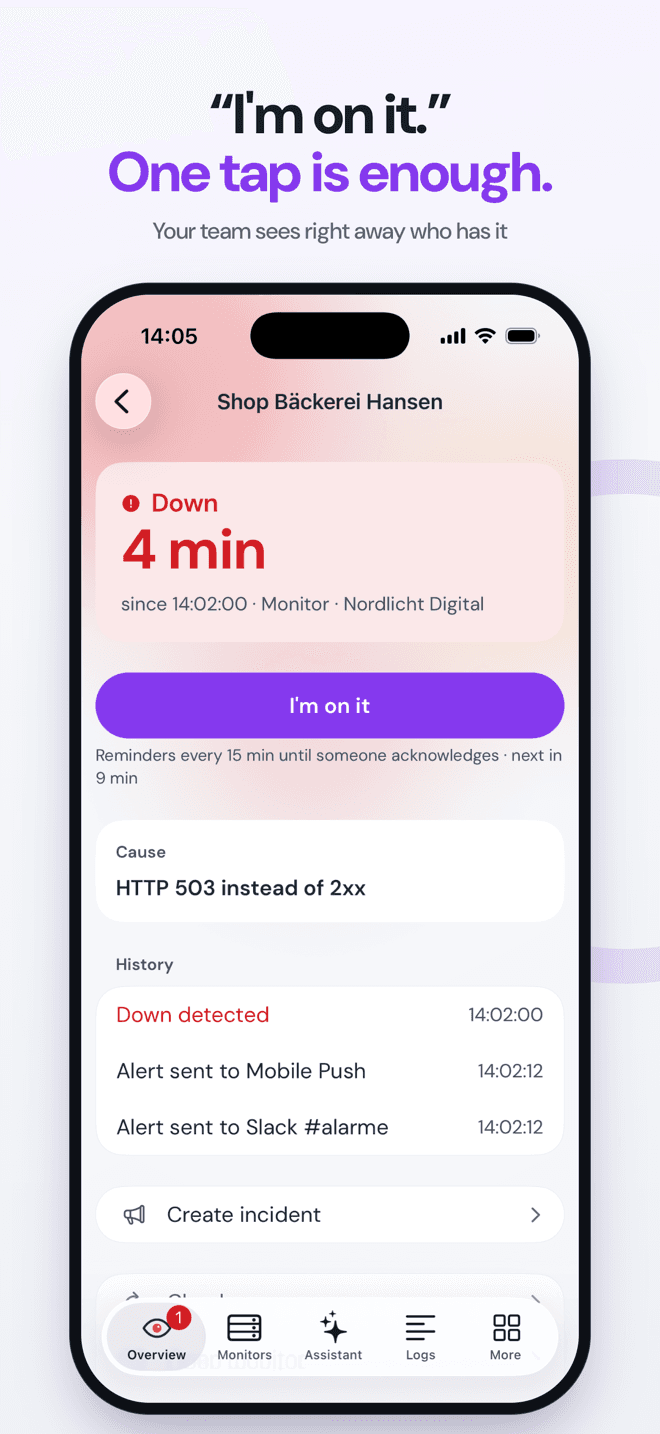
- Acknowledge right from the notification, without opening the app. Your team sees who is on it, in the app, on the web and in every channel.
- Reminders as long as nobody has acknowledged. Recoveries arrive quietly.
- On iPhone: a Live Activity with a running timer on the lock screen and in the Dynamic Island.
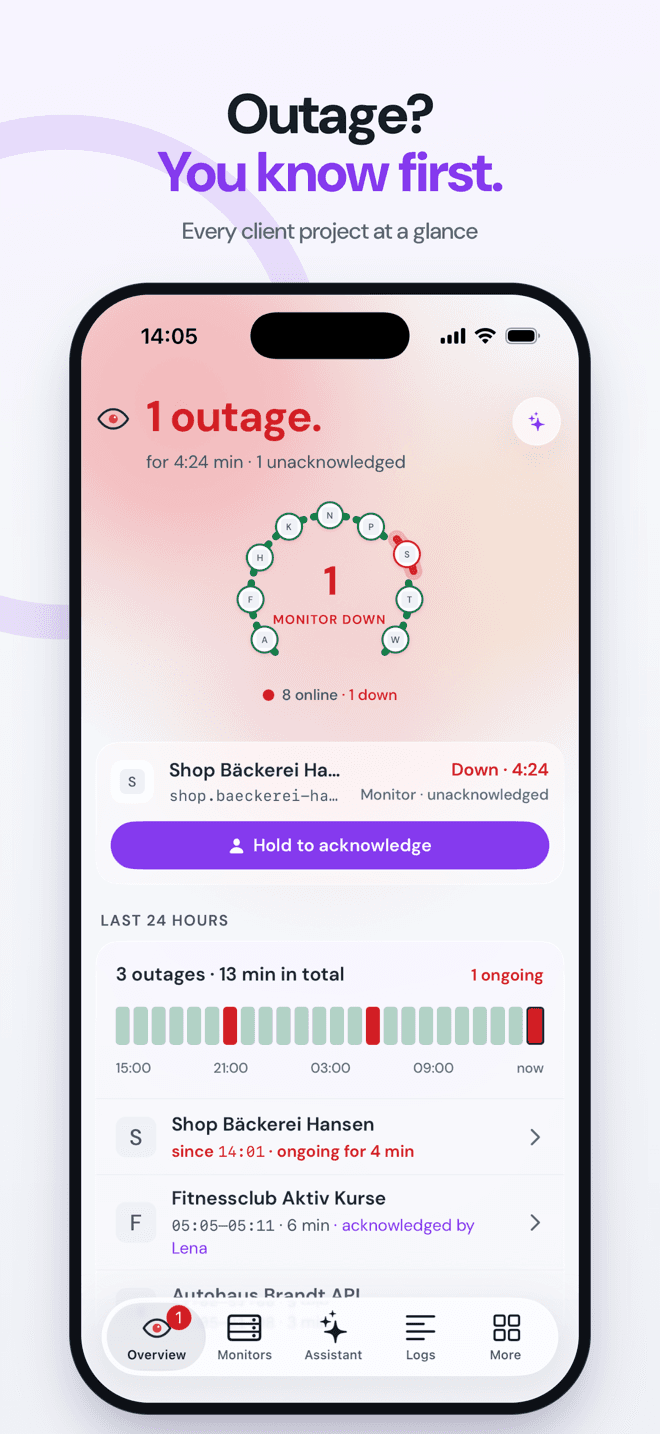
Every client project at a glance
- Overview with your organization's state and the last 24 hours.
- Widgets for the home screen, on iPhone for the lock screen too.
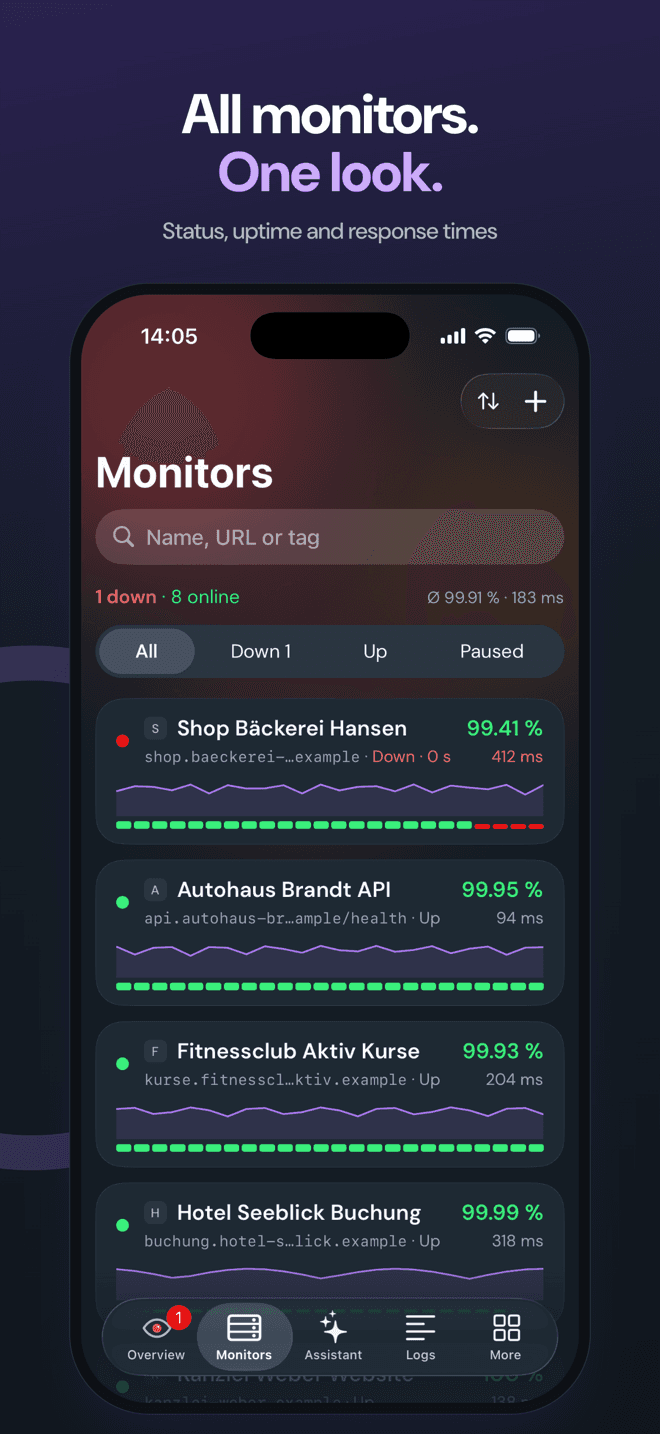
- Monitors with response times, executions and uptime. Pause them or check right now.
- Several organizations, quick switching between clients.
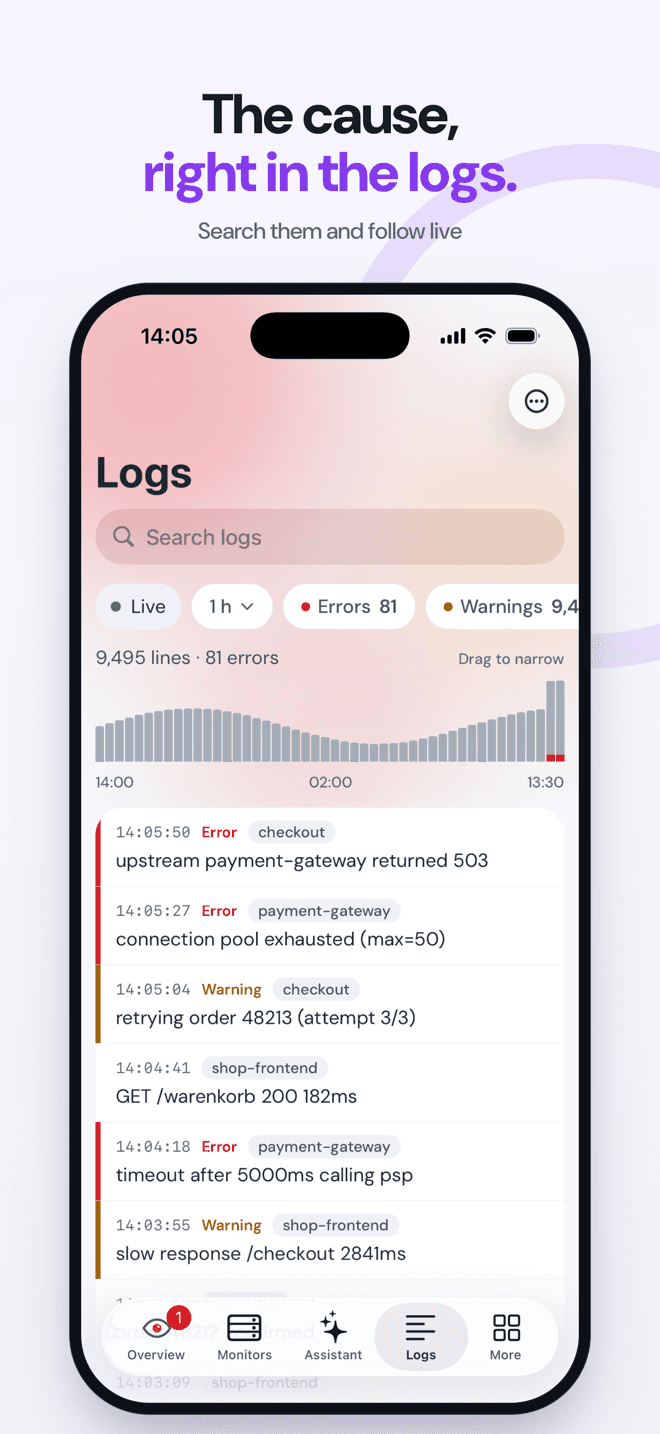
Find the cause, keep clients informed
- Search logs and follow them live, straight from the alert.
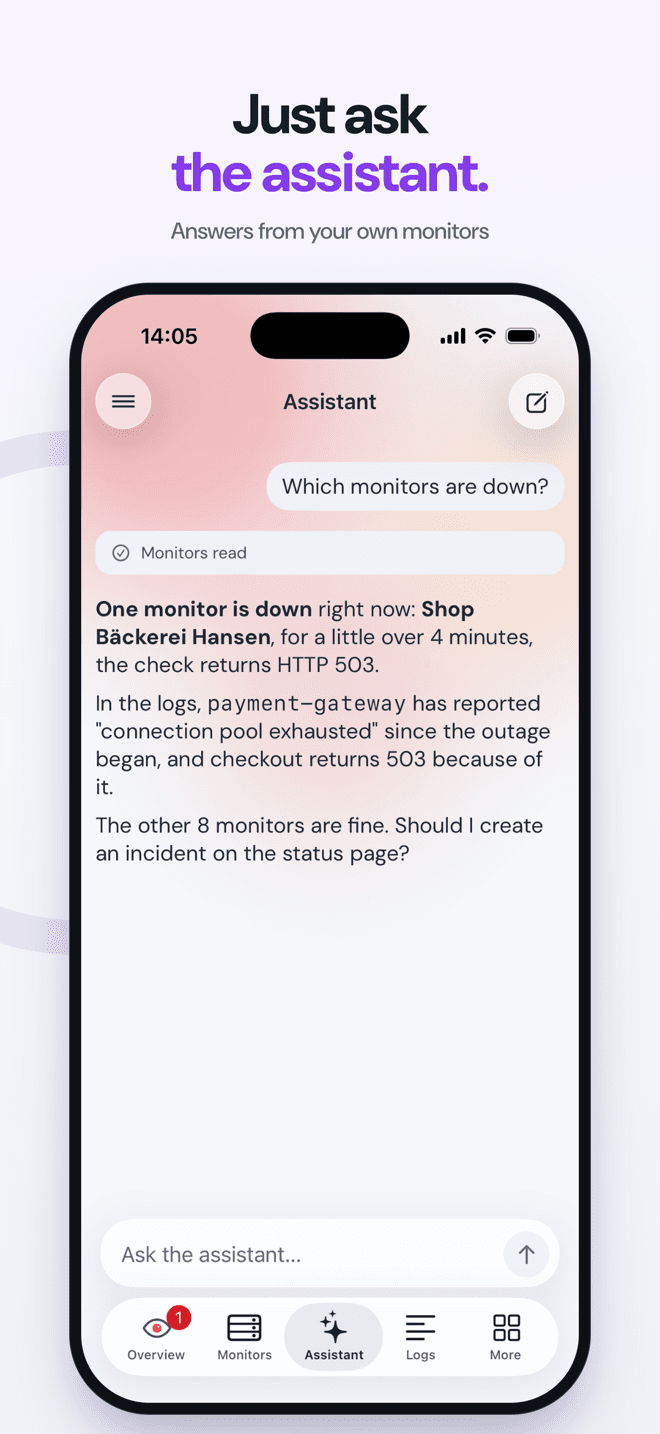
- Ask the assistant: "Which monitors are down?" It answers from your own monitors and opens an incident on request.
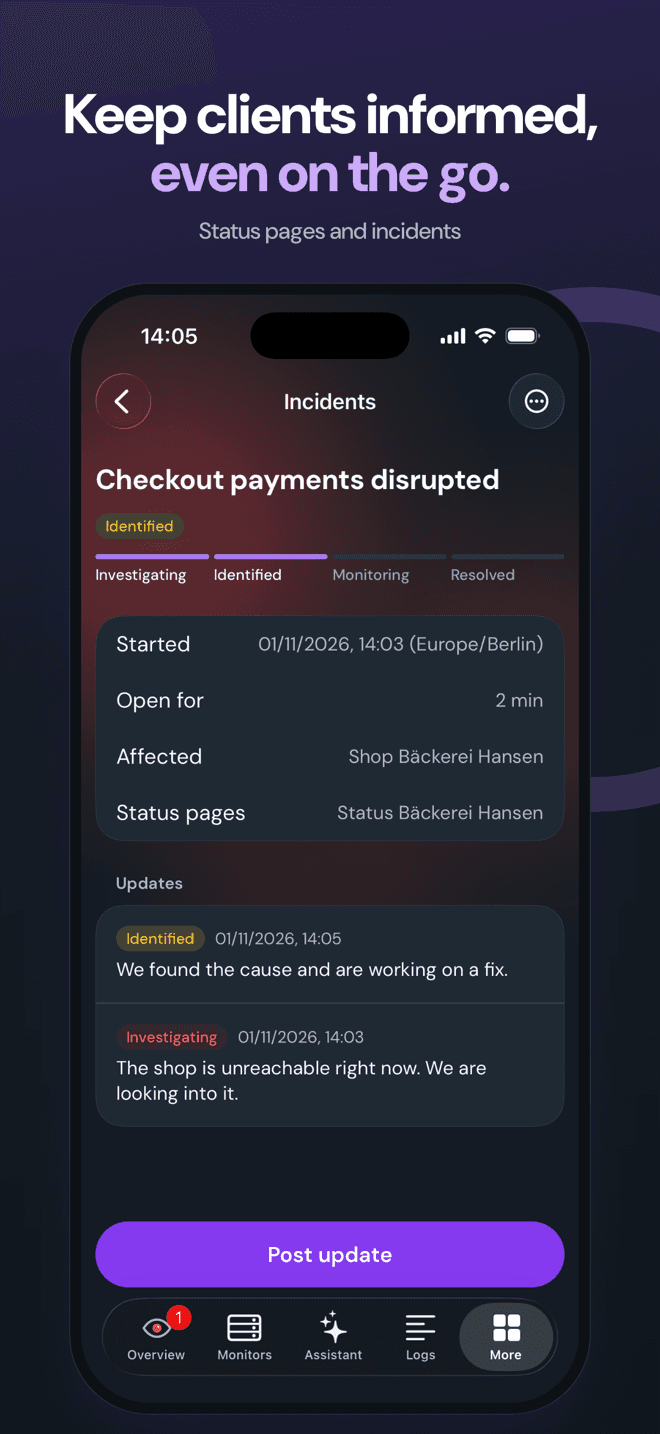
- Keep an eye on status pages, create and update incidents on the go.
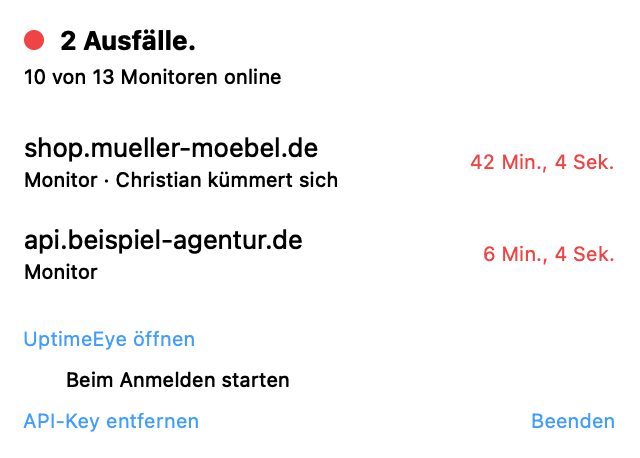
For the Mac: the eye in the menu bar
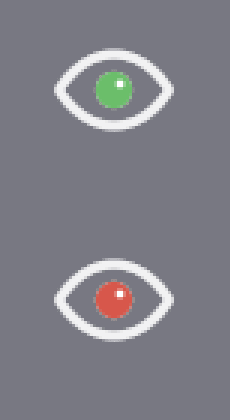
Green while everything runs. Red as soon as something is down. One click shows the open outages and who is on them. Sign in with the same account, notifications on the Mac if you want them.
In the works. Tell us and you get it first: Email contact@uptimeeye.com
Frequently asked questions
Which plans include the app?
Do I need an account?
Who gets the push?
What goes through Apple and Google?
Is there an iPad or tablet version?
When does the Mac app ship?
Next time something breaks, you know first.
Get the app and turn on push. No account? Start free, 14 days of Pro included.
Start freeApple, the Apple logo, iPhone and App Store are trademarks of Apple Inc. Google Play and the Google Play logo are trademarks of Google LLC.